🎯
Blade to editor
Land on the exact Blade line through layouts
Maps any element on your local Laravel page to its Blade file, page controller or form action, and opens it in your editor.

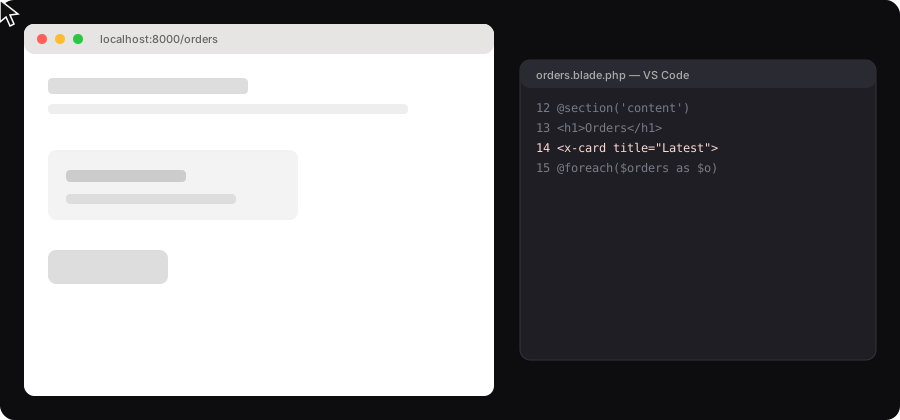
Illustration of the flow
While Blade compiles, static HTML tags get a tiny source token pointing to the file and line. Nothing is stored in your views.
In Chrome, click Start selecting, hover and click an element. The extension reads its token.
The package resolves the token, the page controller and the form action, and your editor opens at the exact line.
composer require --dev mhmdelbadry74/laraselector-laravel
php artisan vendor:publish --tag=laraselector-configLARASELECTOR_ENABLED=true
LARASELECTOR_EDITOR=vscode # vscode | cursor | phpstormphp artisan view:clearThen load the Chrome extension and start selecting. The full guide covers every step.
| You click | LaraSelector opens |
|---|---|
| Any element | The Blade file and line, through layouts, includes, loops, conditionals, components and slots |
| Anywhere on the page | The controller method that renders the page, including invokable controllers, inherited methods and closures |
| A form or submit button | The controller behind its action, with GET/POST, _method spoofing and formaction |
Allowed only in local and dev. Production is always denied.
Routes are matched against a synthetic request and never dispatched.
Same-origin checks, a session token, and real-path validation inside an allowlist.
No data leaves your machine. See the privacy policy.
Does it slow down my app? It only runs in development, and activation is checked at render time.
Will it leak into production? No. Production is always denied, and cached views stop emitting attributes once it is disabled.
Does it work in Docker? Yes, set path_mapping to translate container paths to your local paths.
Livewire? Supported: open the component class, its render(), the action under the cursor, and inspect its public properties.